There are a few broad paths that you can follow when working with GIF art. The first thing you can make is a specific type of GIF, called a cinemagraph. A cinemagraph is a “photo” in which only one aspect is moving. They are created out of videos in editing softwares such as Photoshop.
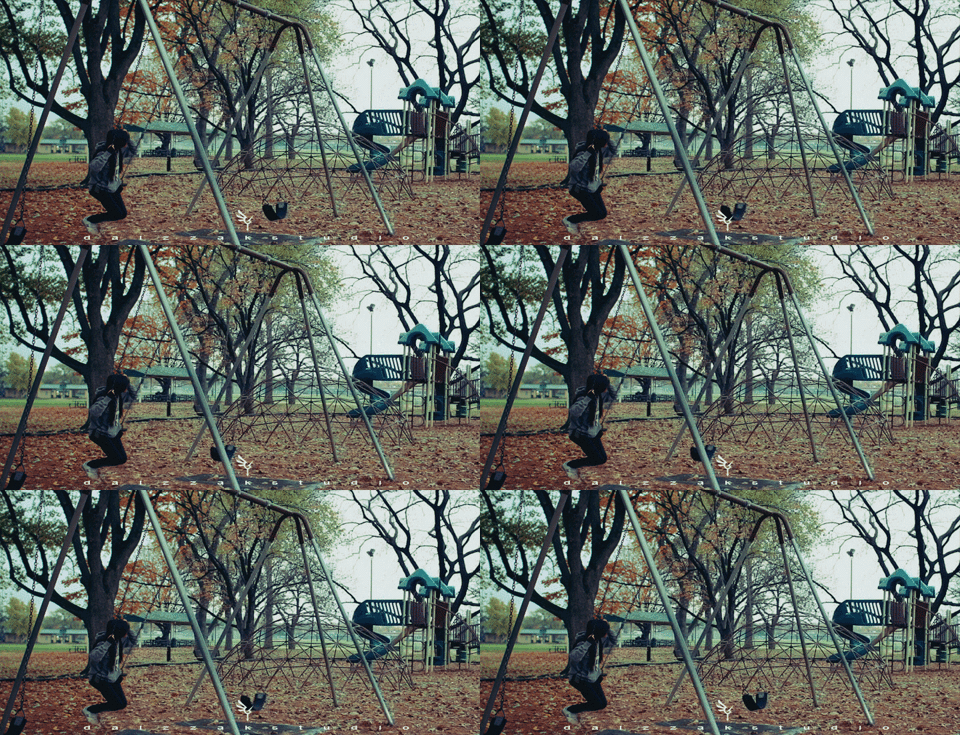
GIFs themselves can be created either from videos or from a series of photos. Although you can create them from the raw video or photographs, don’t forget you can also use editing software and techniques such as video compositing to make a more complex GIF.
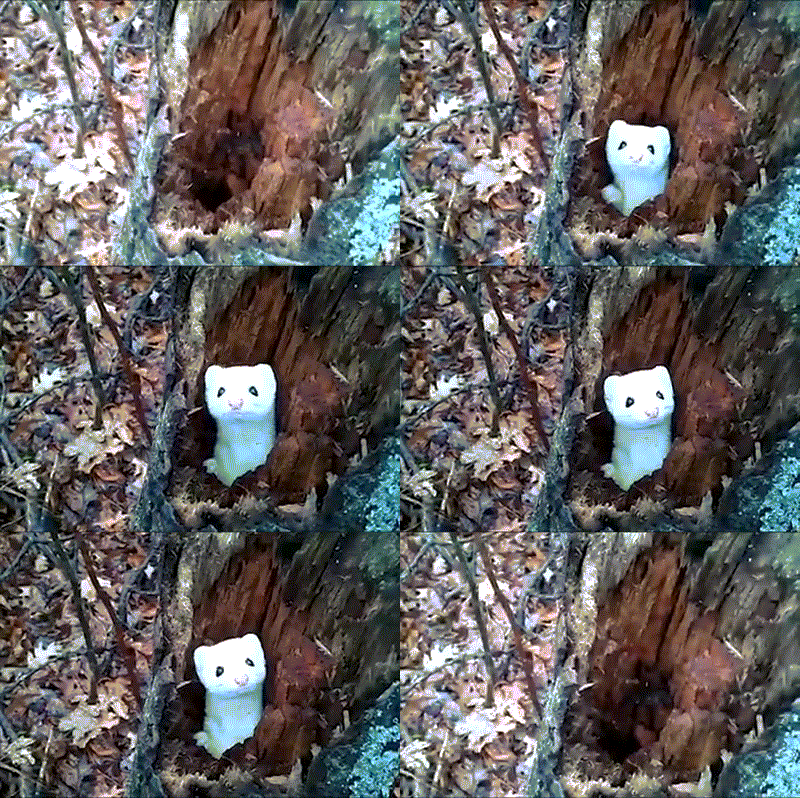
A GIF from a raw video:
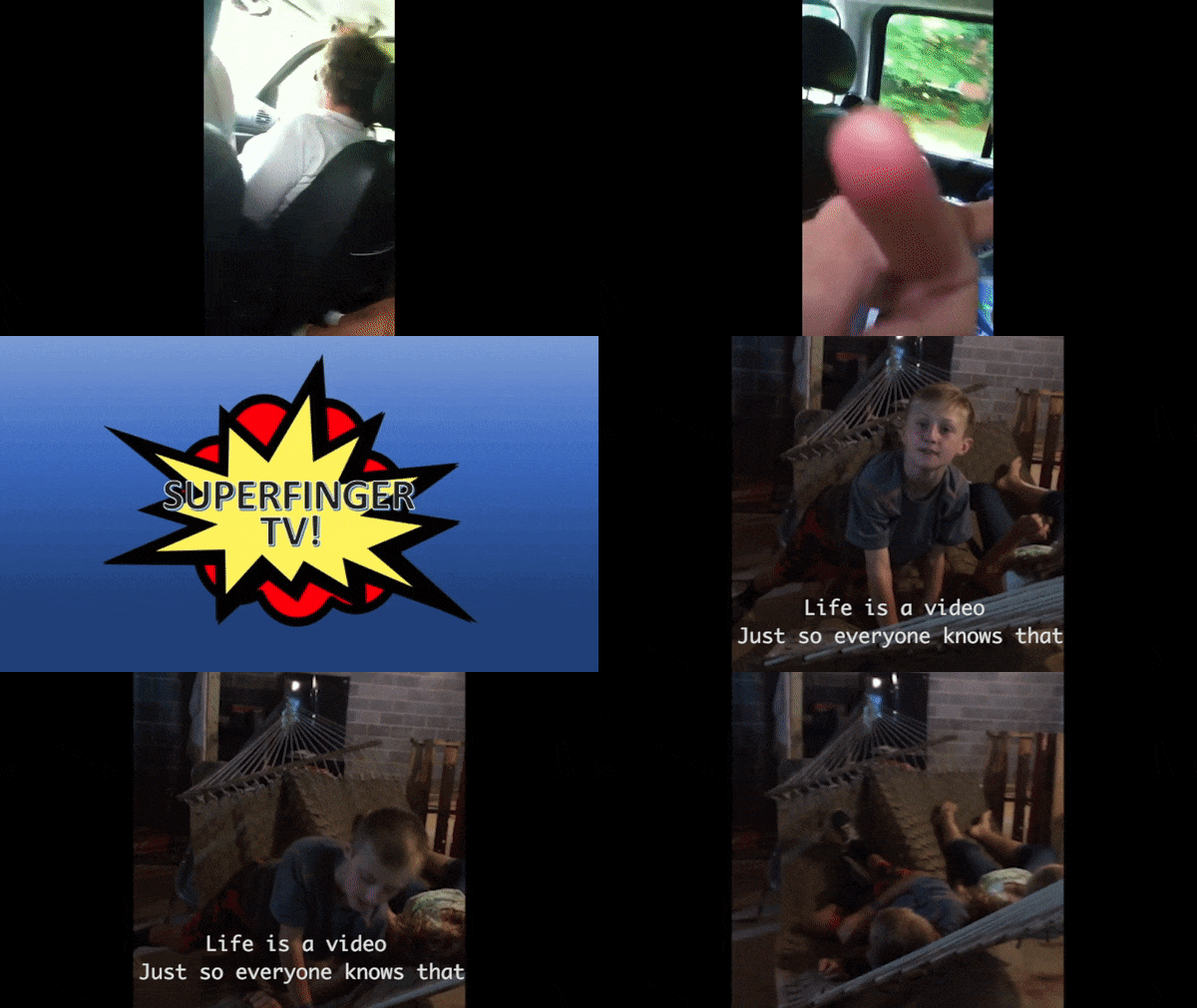
A GIF I made from a combination of photos and video:
This GIF was one I created for an assignment where the GIF wasn’t meant for a general audience, but rather someone specific. I created mine for my sister and my cousin, celebrating our collection of videos we call “Super Finger TV.” I used three different clips and edited them together into one fifteen second video, before making it into a GIF.
The main thing to remember when moving from a video to a GIF is that the repetition of the text or image must add to its meaning. The audience should be meant to watch it multiple times, otherwise it would serve better as just a video.
Finally, multiple GIFs and cinemagraphs can be combined to create a new meaning. In the presentation of several GIFs together, they represent something greater than their individual parts.
An example that I had to make for a class was a three GIF haiku titled “The Expanding Universe”
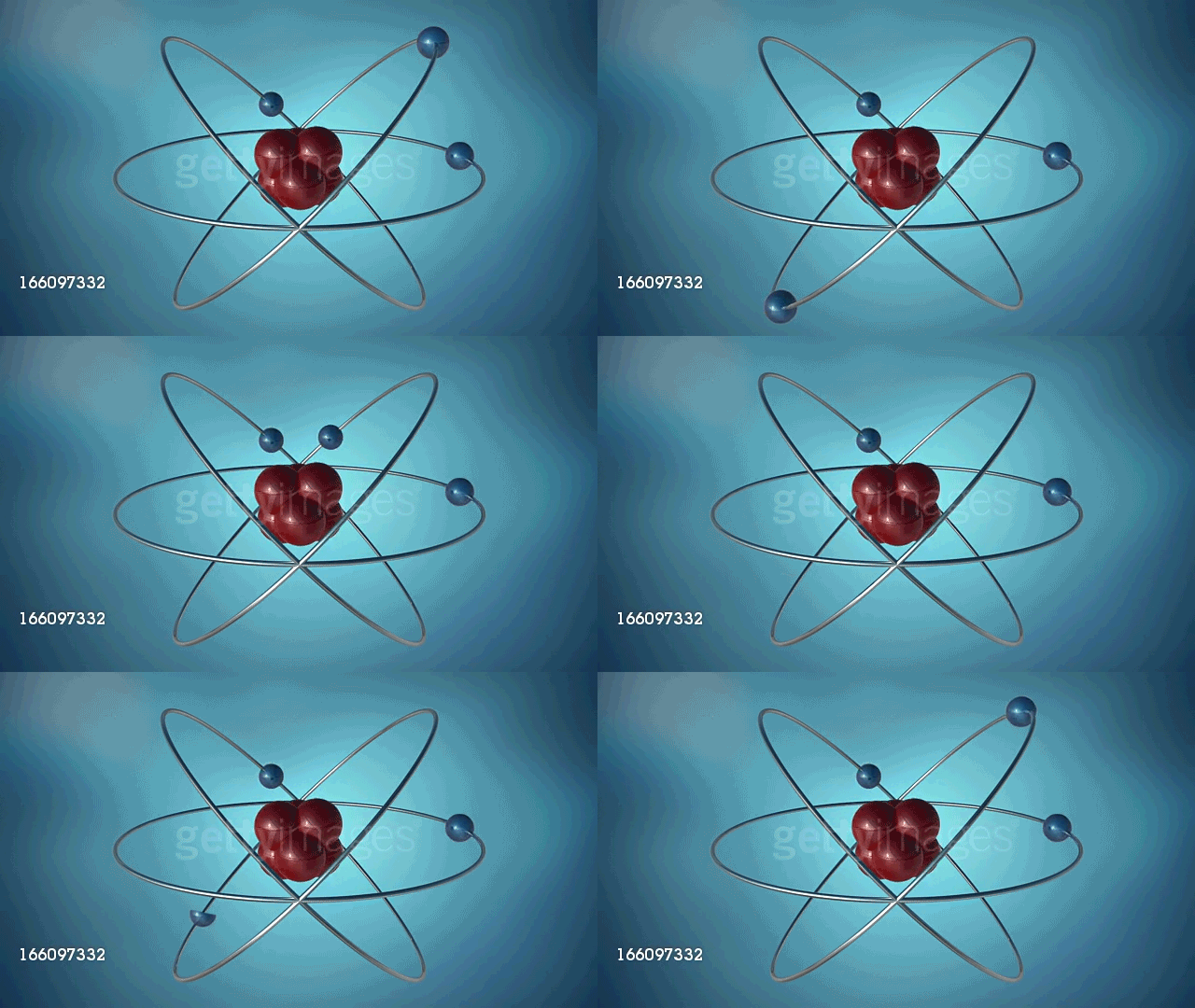
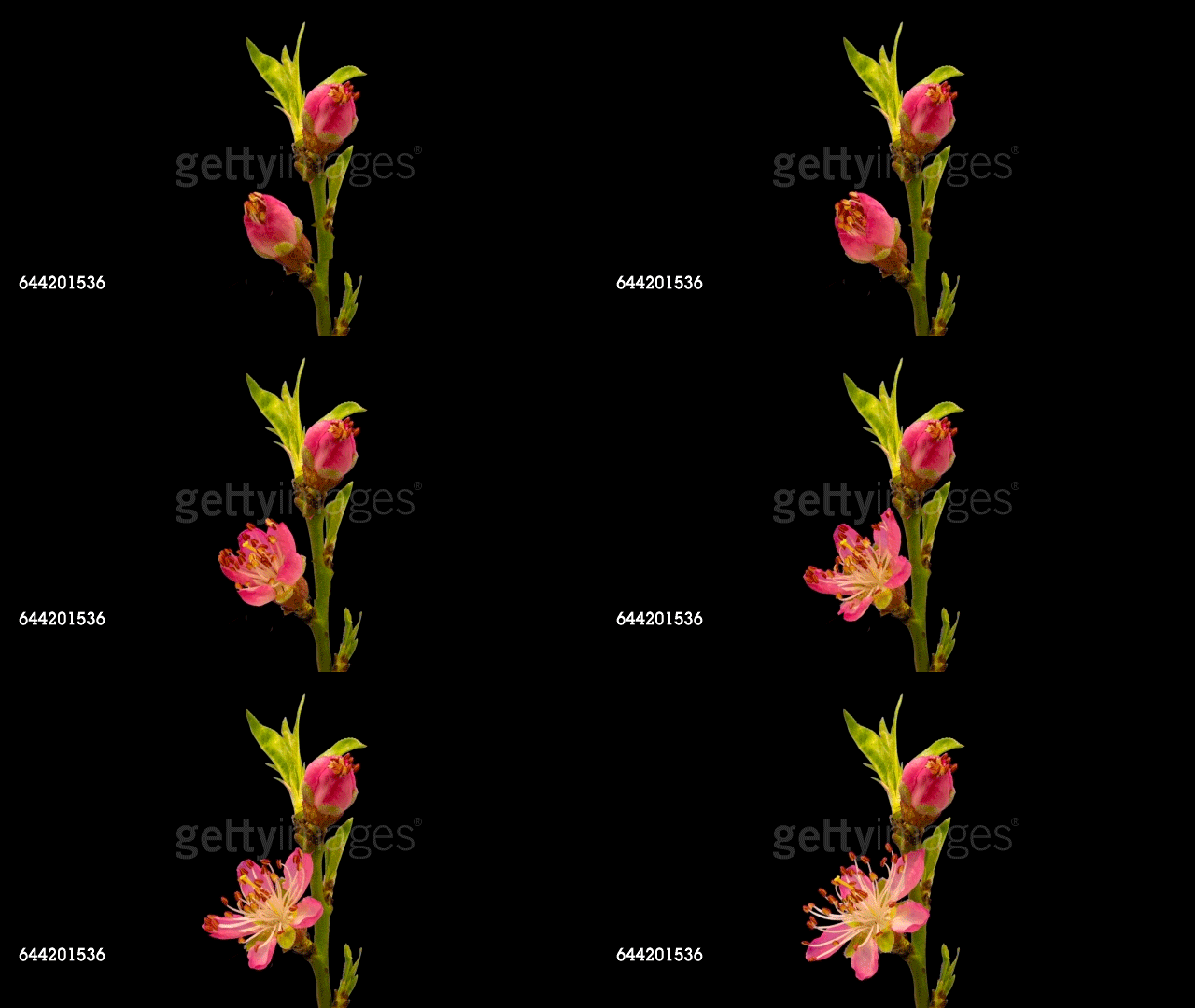
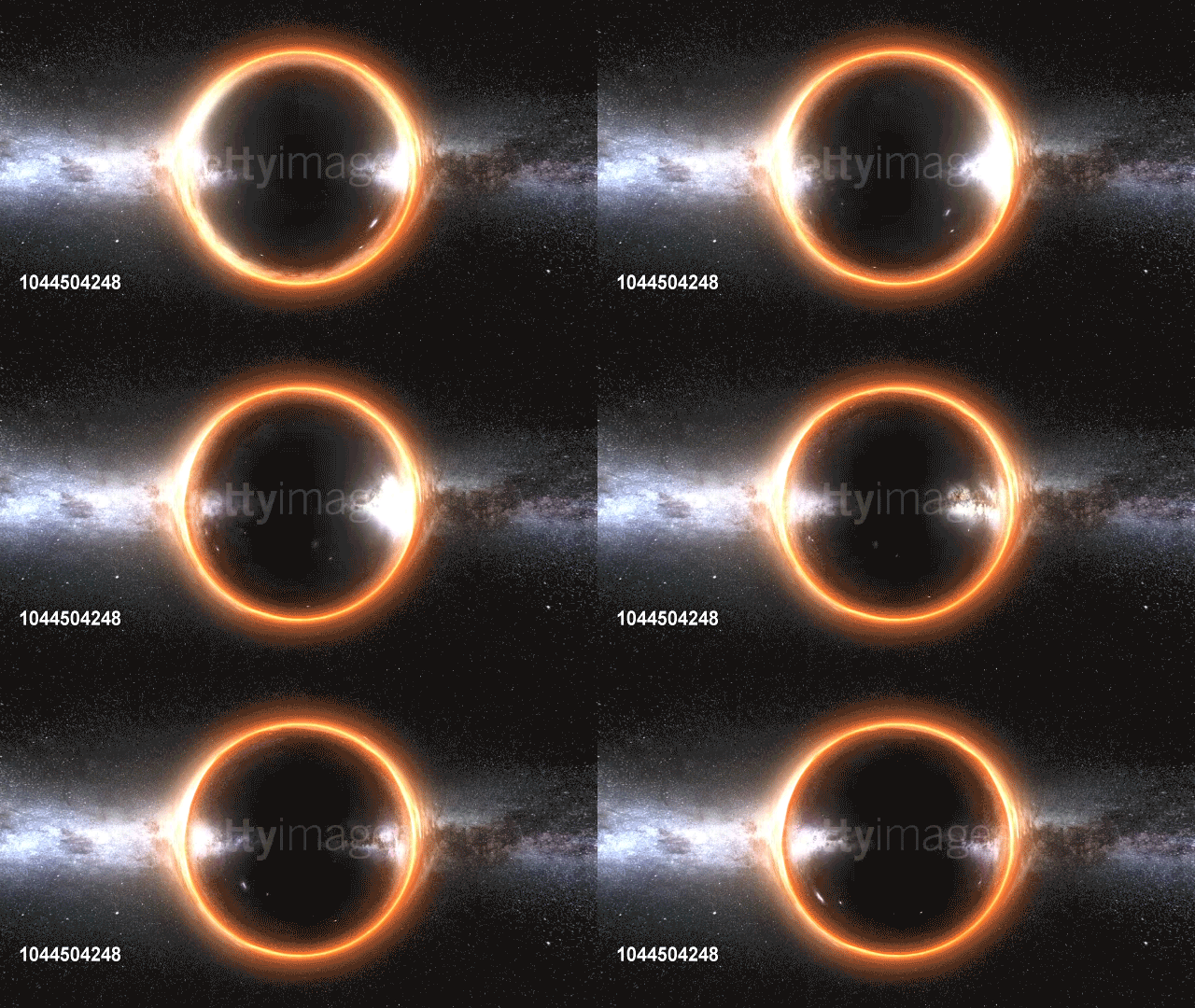
Of course, these are only broad directions for GIF art, and your own method and style will emerge as you play around with them. The most important thing is beginning the process with the idea before moving into production of the piece. Just like poetry, with a shorter/smaller format comes the need to make sure every piece is chosen strategically for maximum impact.
 IB Digital Art Resources