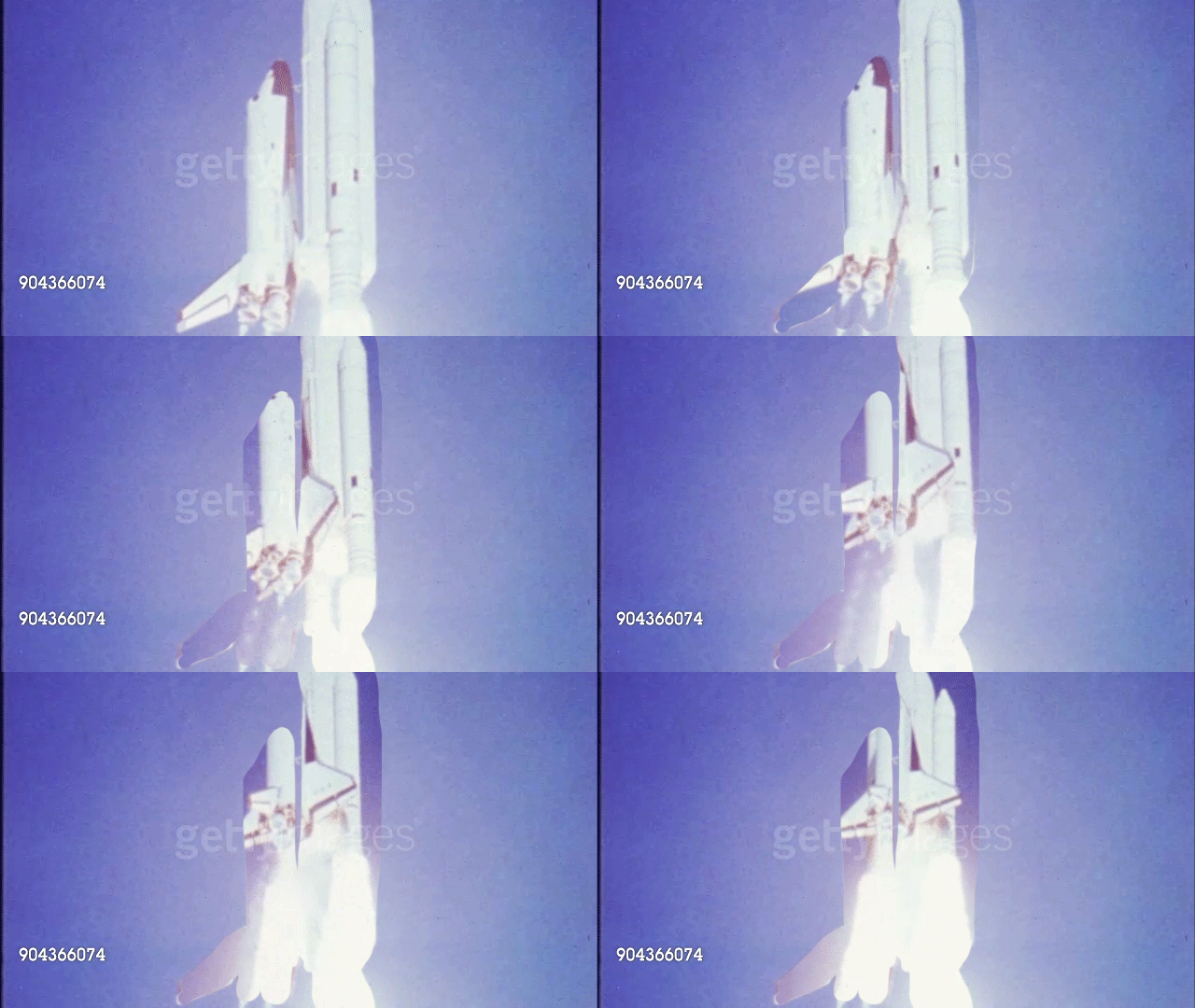
As you experiment and learn how to make a cinemagraph, it is easiest to begin with stock footage. However, in regards to artwork you are producing for your exhibition or process portfolio, it is best to use your own videos. Videos filmed on a tripod stand or with a stationary camera are easiest to use, otherwise the moving piece of your cinemagraph won’t stay nicely within the bounds of the stationary photo. (See my failed example below)
Photoshop is the best platform to use to make a cinemagraph, as it allows you to make an easy transition from video to photograph.
Photoshop Tutorial
1. Open Photoshop (obviously)
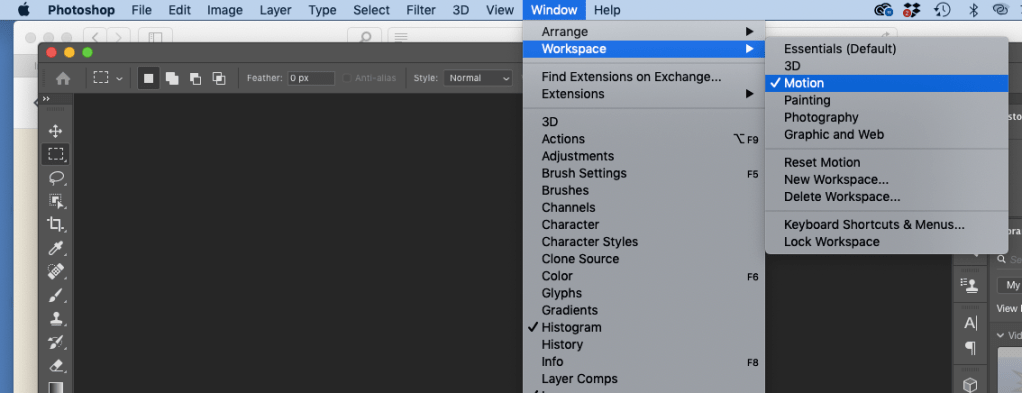
2. Under the tab “Window” select “Workspace” then “Motion”
3. Under the tap “File” select “Open”

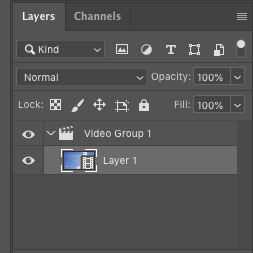
4. Select the video you are working with – it should then appear in the Layers column on the right
Here’s a quick but complete tutorial about how to proceed from there (you will have to pause as you follow along, so make sure to have Photoshop already open and ready to go)
 IB Digital Art Resources