Glitch art is a cool type of digital art where you purposefully “glitch” the photo (hence the name). Unlike other types of photo editing, most glitch art is created by changing the code of the photo to ultimately change the appearance. Glitch art can be as complex or as simple as you want, based on the coding changes you make.
Some different examples are shown below:
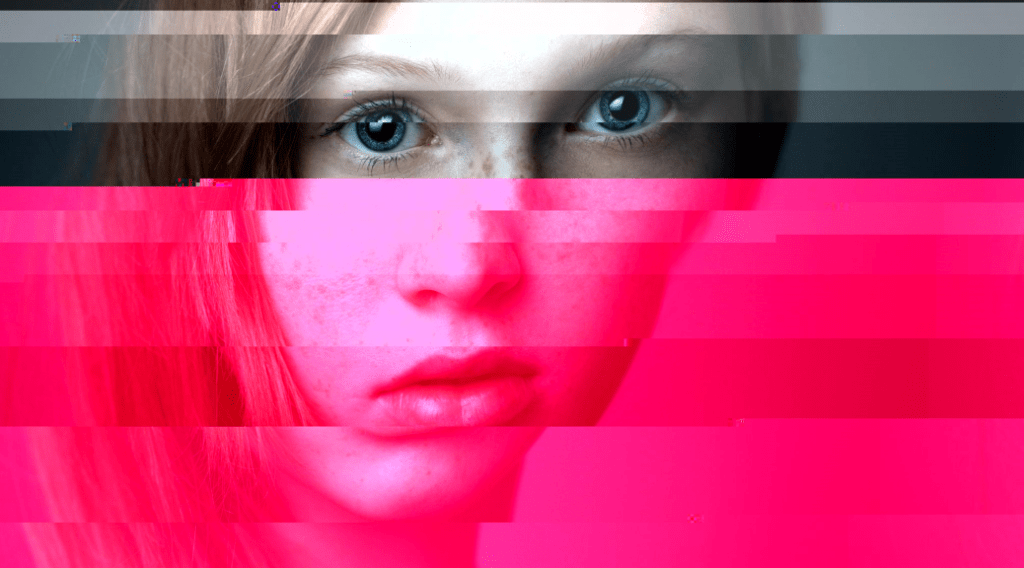
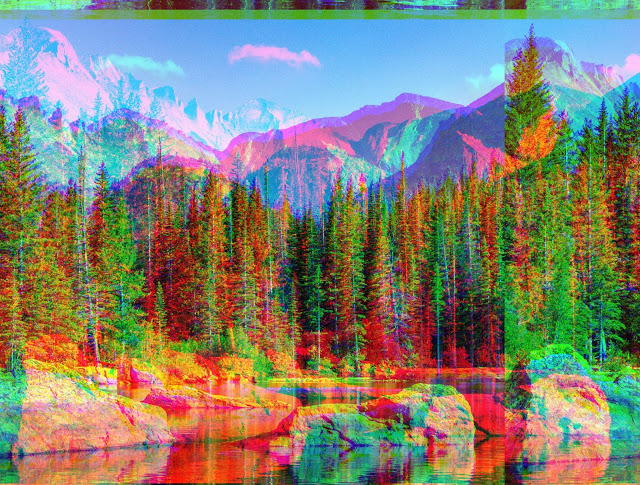
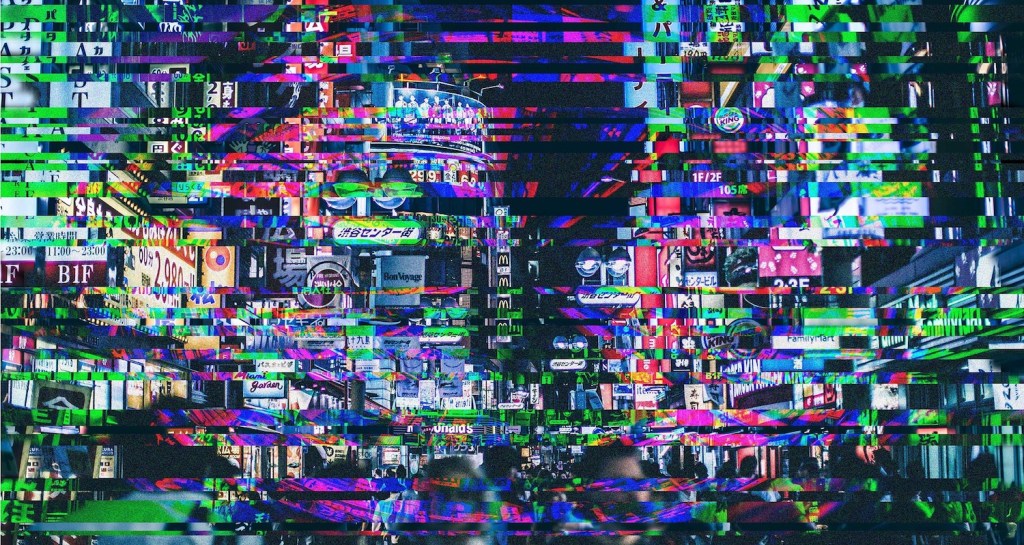
Note: although it is common, glitch art does not have to feature a color change
While you can use photo editing apps and websites that will create glitches for you, to make your own changes and personalize your results it is best to use a hex editor. These are programs that will display the code for your image and allow you to change it. There are a multitude of free ones out there, which are easiest to find by googling “free hex editor.” (I don’t have a preferred one to use)
One of the most important things when working with glitch art is to create numerous backups of your image. This way, if you make a change you don’t like, you can revert to your last saved version and the damage is undone. When saving your backups, make sure to change the file names so you don’t have any confusion.
Some good tutorials for editing with a hex editor:
http://millennialartist.brandoncranford.com/2019/01/tutorial-glitching-images-and-videos.html?m=1
When learning to work with a hex editor, I created this self-portrait by changing the right column of the code. For reference, I mostly deleted sections and replaced them with various symbols as well as inserting the lyrics for “Kung Fu Fighting.”
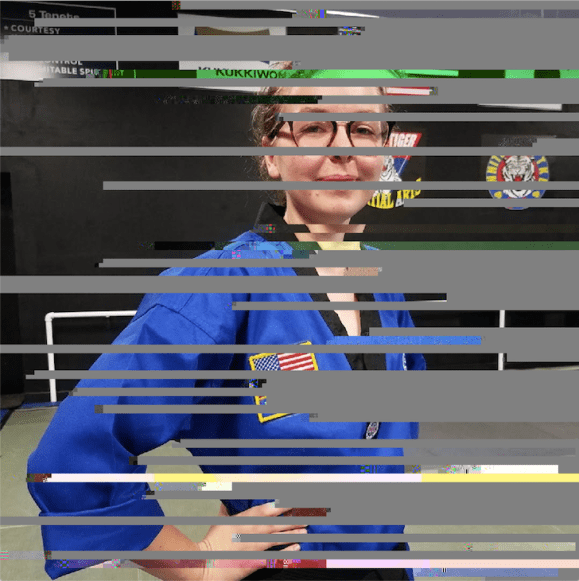
To see more drastic results, it is best to work with large areas of code in multiple sections (top, bottom, and middle). However, ultimately you just have to experiment to see what results you can get from different changes.
If a hex editor isn’t for you, you can also use Photoshop to create a glitch effect. This method also gives you the ability to adjust and personalize your changes, and a tutorial can be found here.
 IB Digital Art Resources